What does your Pinterest say about you?
We read your boards and tell you who you are. Free, one minute.
Buying a gift? Find hers from her Pinterest.
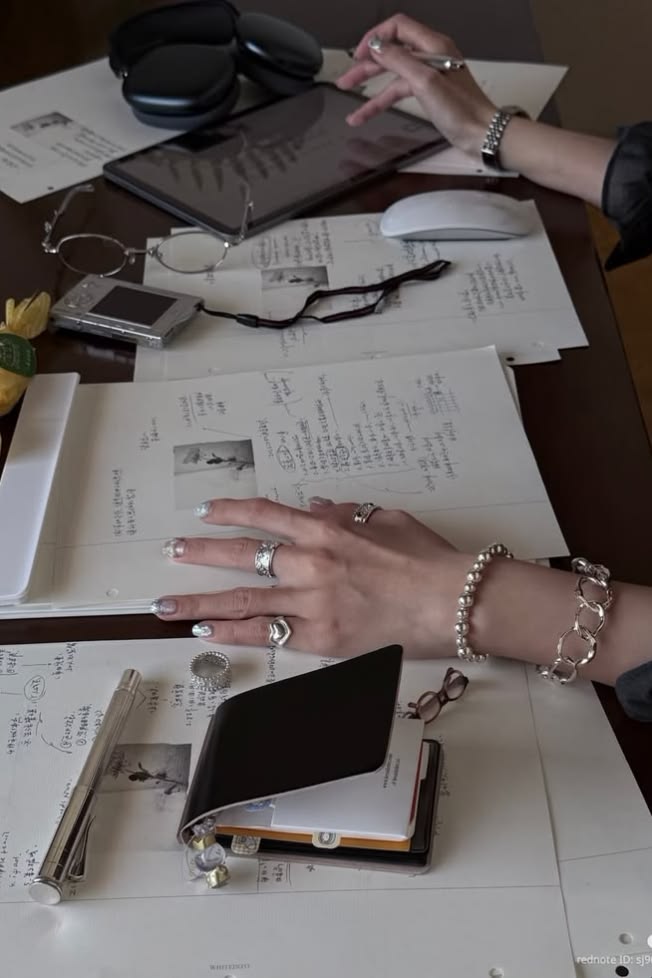
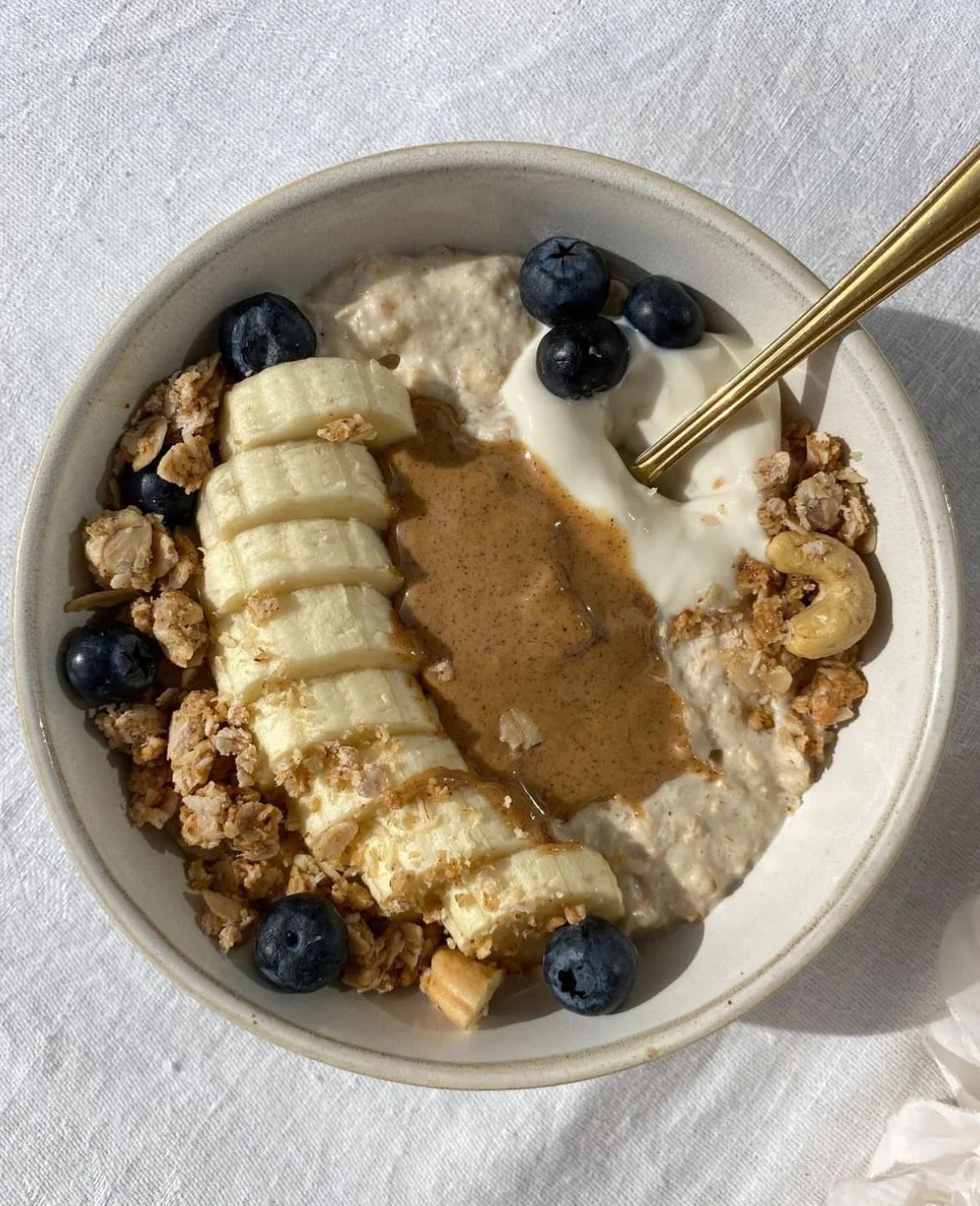

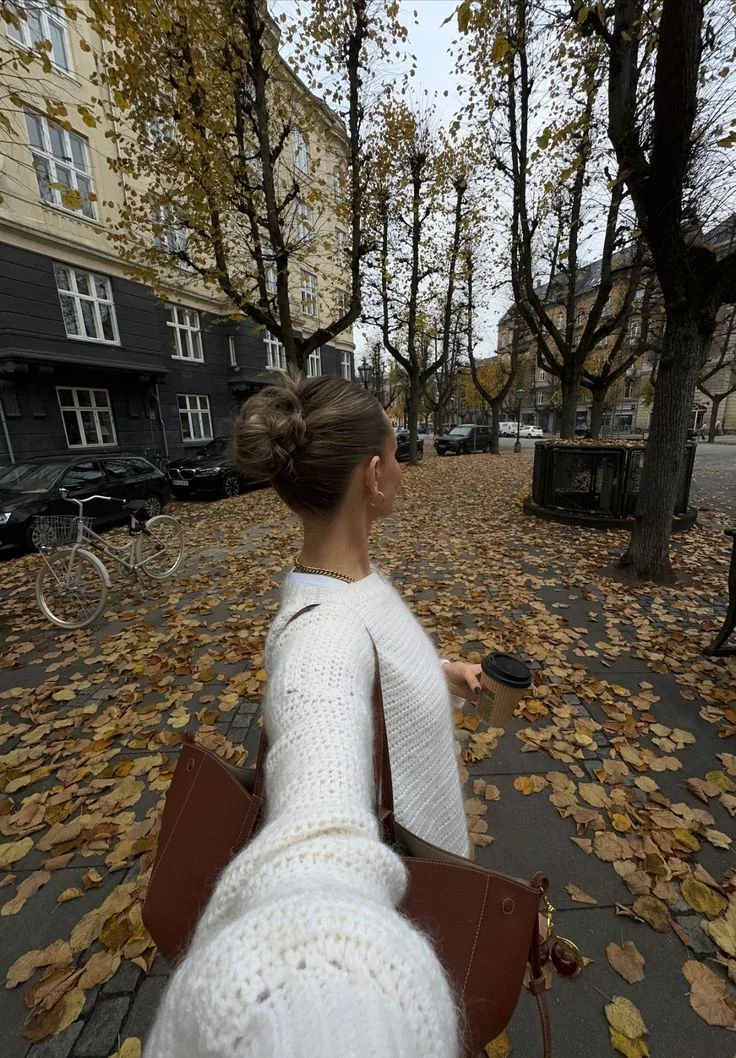
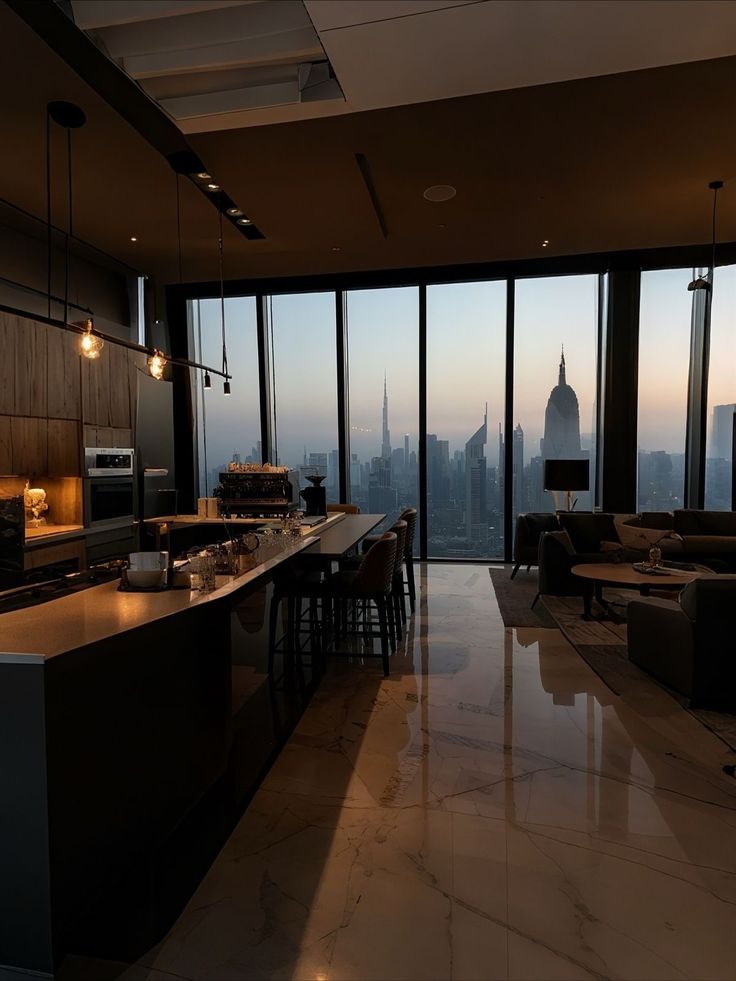
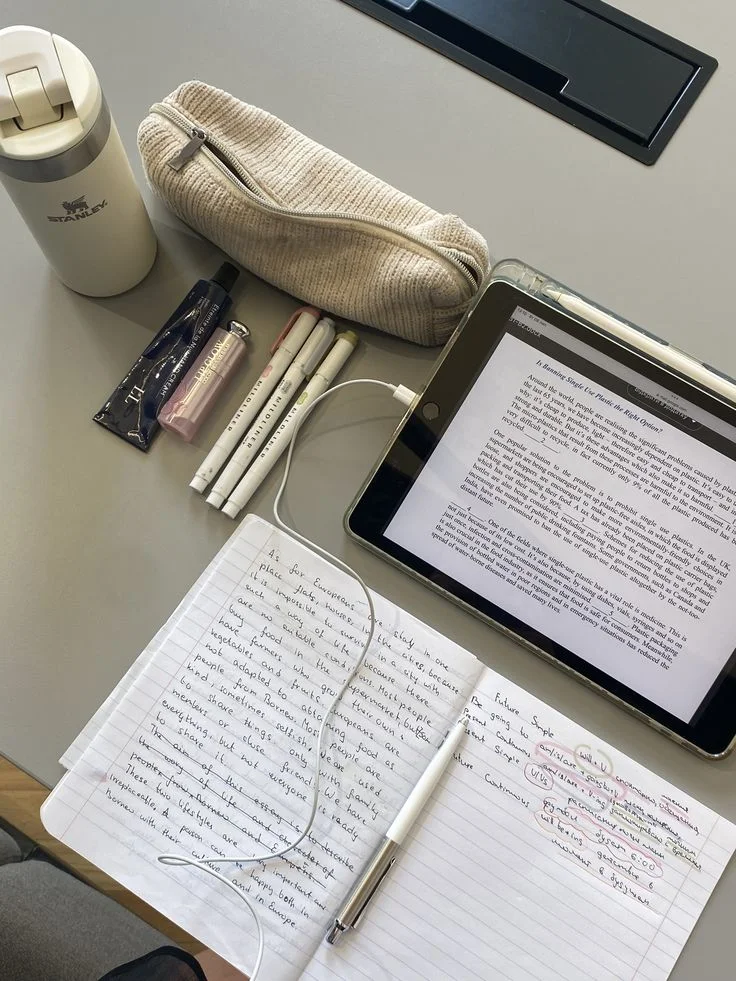
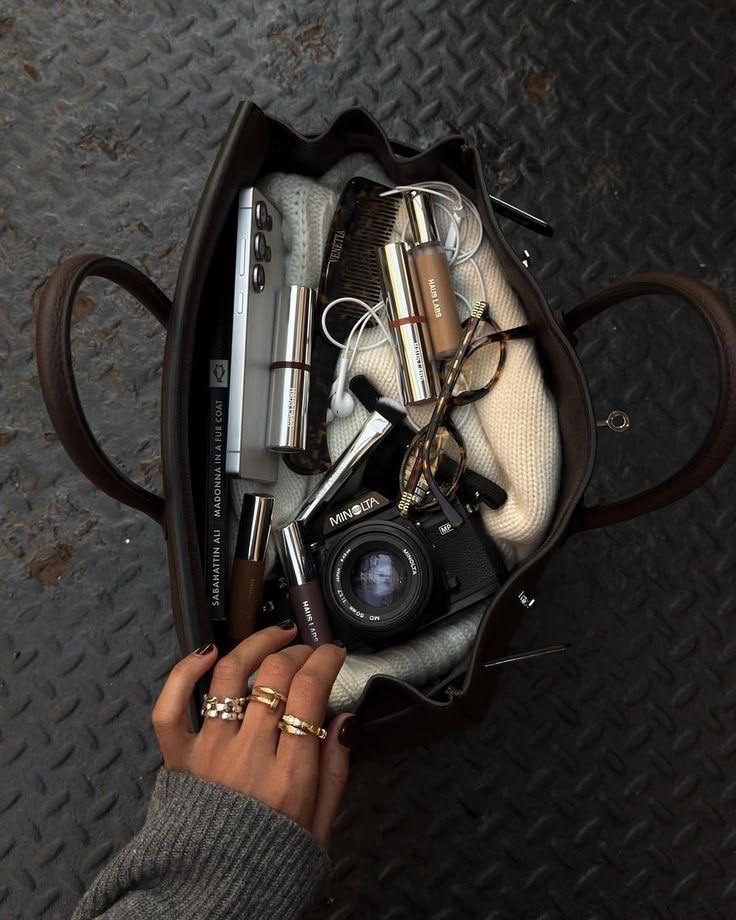
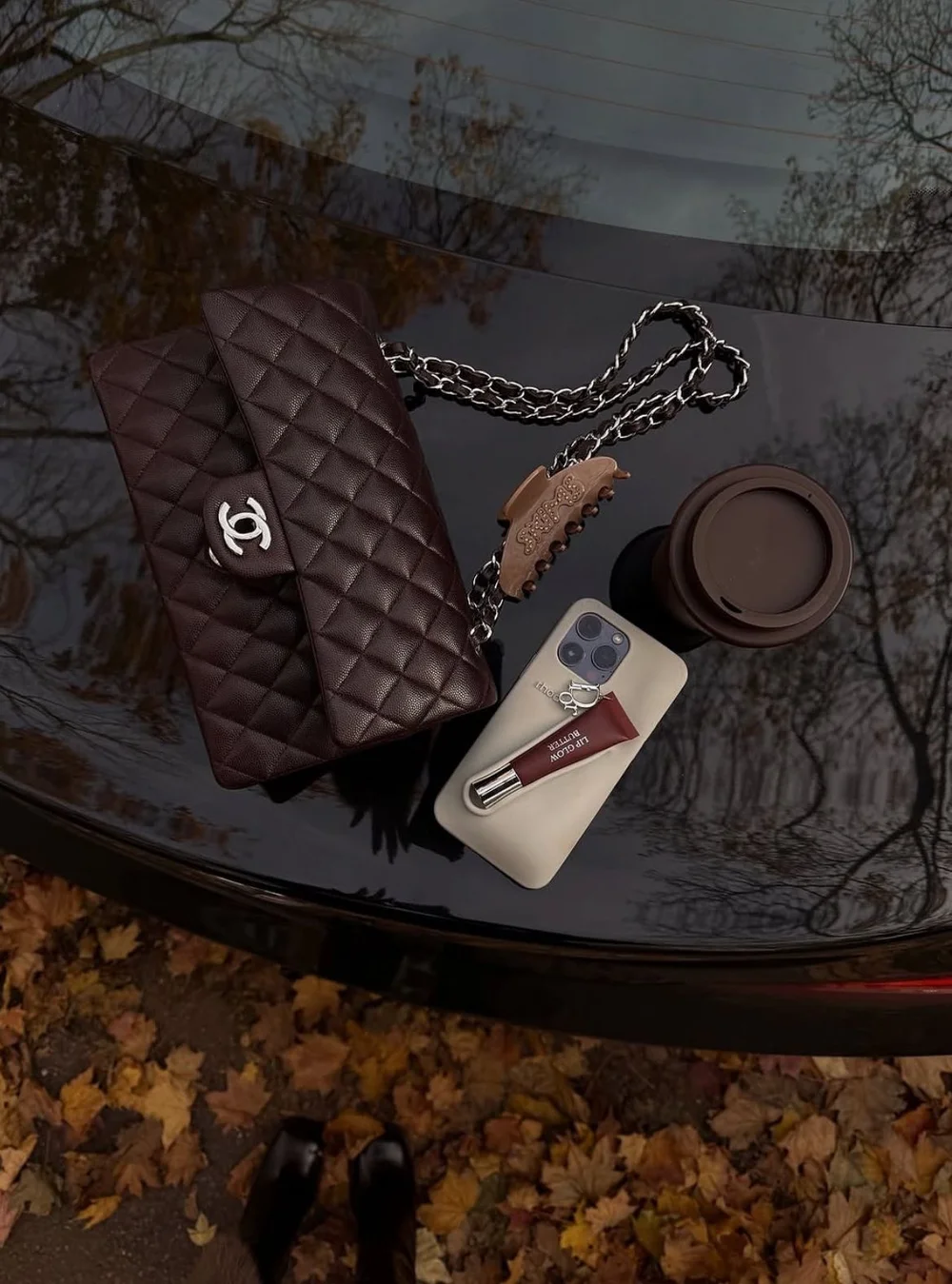
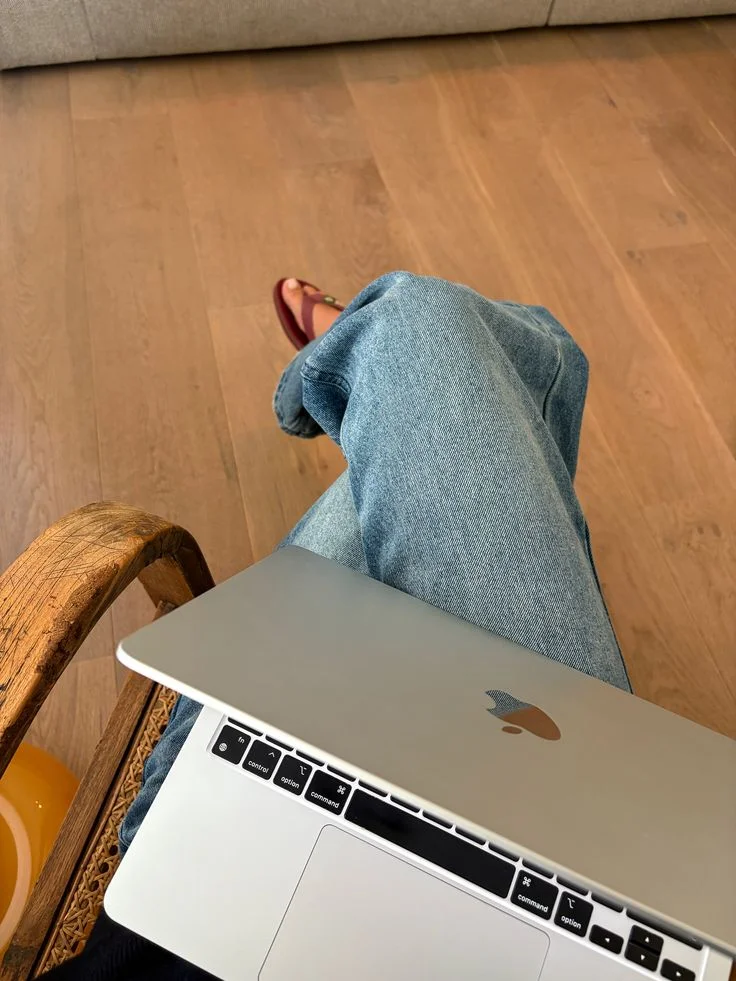



Your board is the start of a story.
Genug turns the images on your board into a short audio scene about the life you want, with your name, your places and the people you love in it. A calm voice reads it to you in the morning, or at night before you sleep.
- Add your boardYour Pins or your own photos.
- Genug writes your sceneA few minutes inside one of your days.
- Press playThree quiet minutes, morning or night.
We are opening a few spots at a time, and your first session is free.